For Odoo 18.0 & 19.0 Stop wrestling with messy data.

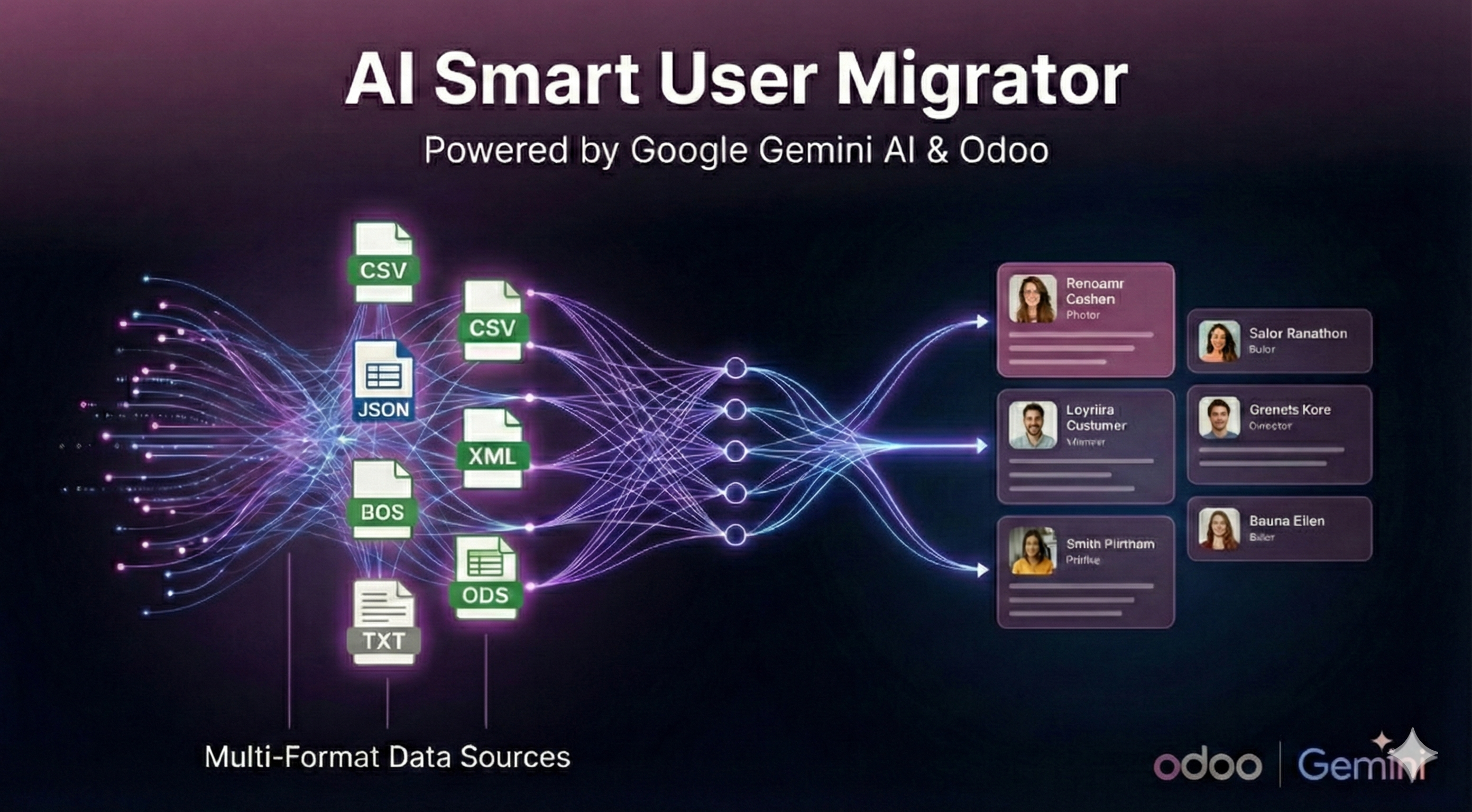
Seamlessly migrate any user file to Odoo with Google Gemini AI. Importing users used to mean hours fixing complex CSVs. Not anymore. Upload chaos, get structured data instantly.

Get the module today for just $49

Buy on Odoo App Store
AI Smart User Migrator

Features

Why choose AI Migrator?

Zero Formatting Required

Forget strict templates. The AI understands context, turning chaotic text or weird CSVs into clean records.

Pinpoint Auto-Mapping

Automatically finds and assigns Names, Emails, Phone Numbers, and Logins without you lifting a finger.

Bulletproof Deduplication

Cross-references your file with existing Odoo users, detecting exact matches and even slight typos.

Blazing Fast

Process and migrate hundreds of users in seconds, backed by Google's Gemini LLM infrastructure.

See it in Action

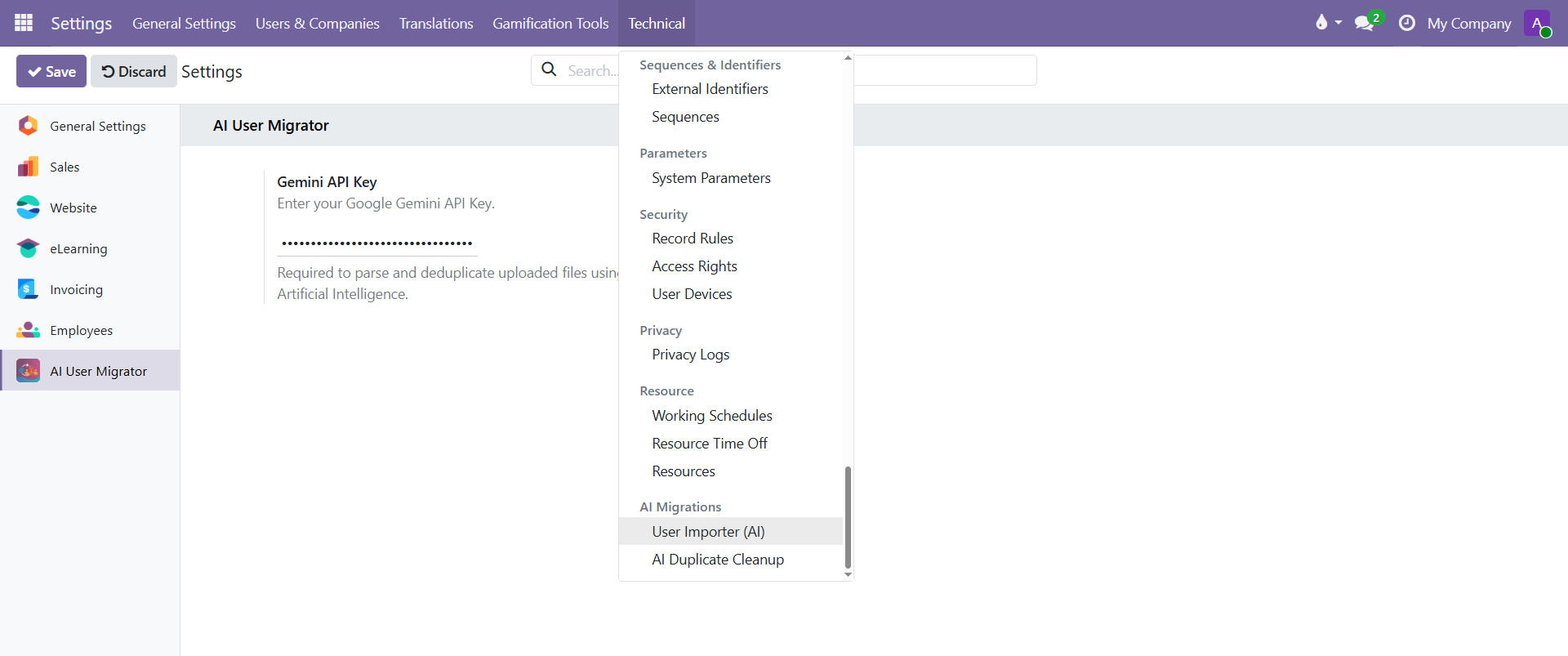
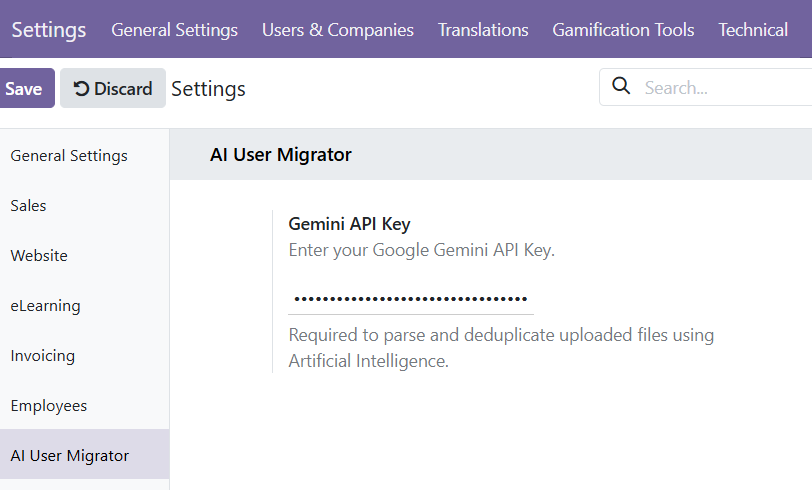
1. Configure your API Key once

Just enter your free Google AI Studio key in the Settings, and you are ready to go. Secure and simple.

Configure API Key

2. Access the Migrator Tool

Enable Developer Mode to access the "User Importer" menu under Technical settings. Designed for administrators.

Developer Mode Menu

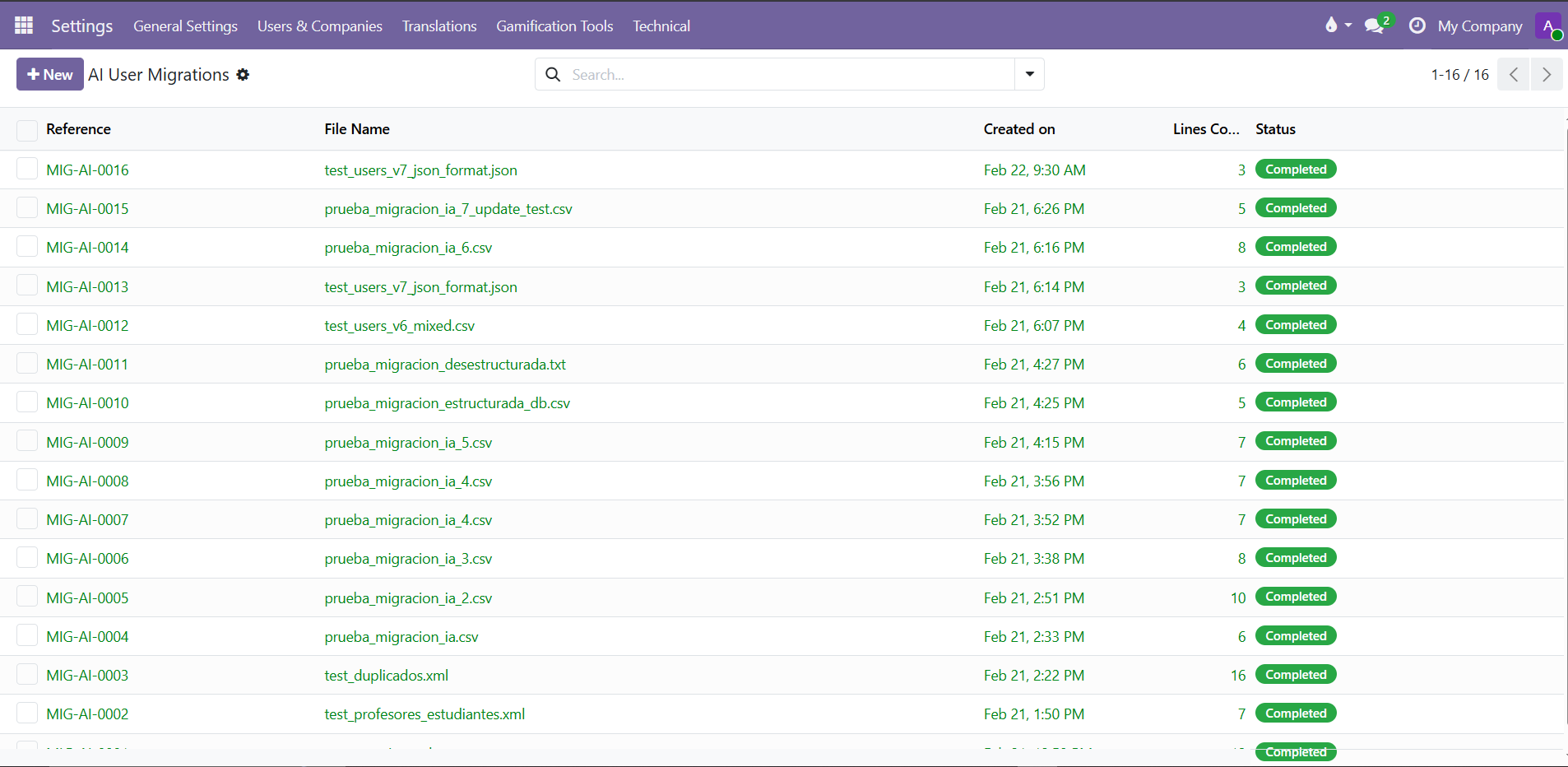
3. Start a New Migration

Create a new migration task. Give it a name and prepare to import your users in bulk.

New Migration

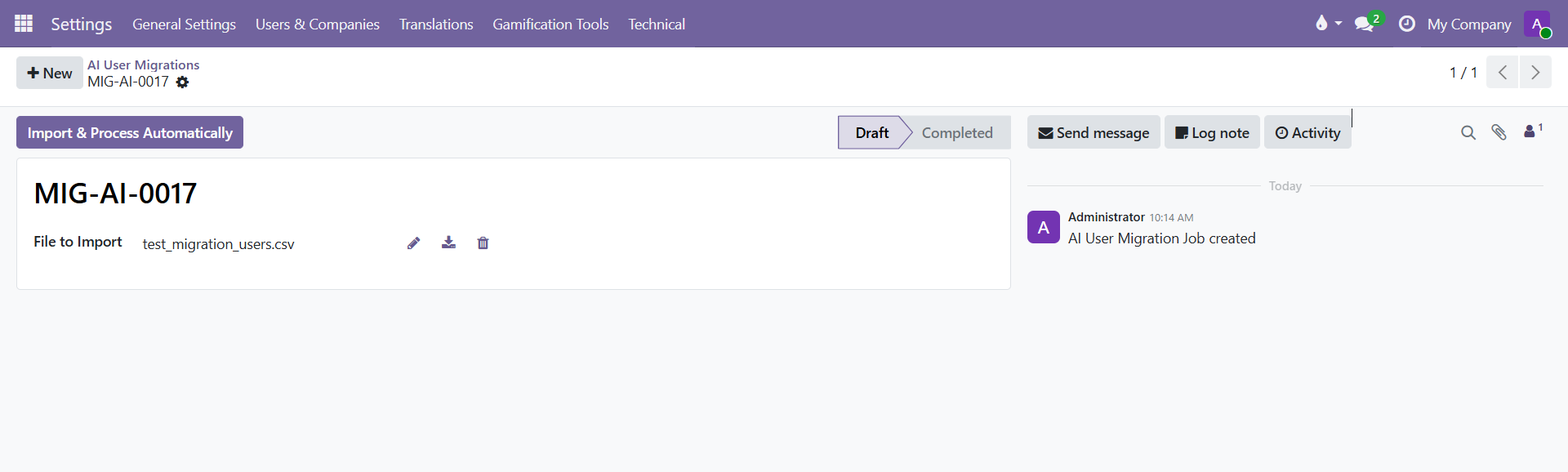
4. Upload your Data File

Select your unstructured text file, messy CSV, XML, or JSON. The system sends it securely to the AI for analysis.

Upload Data

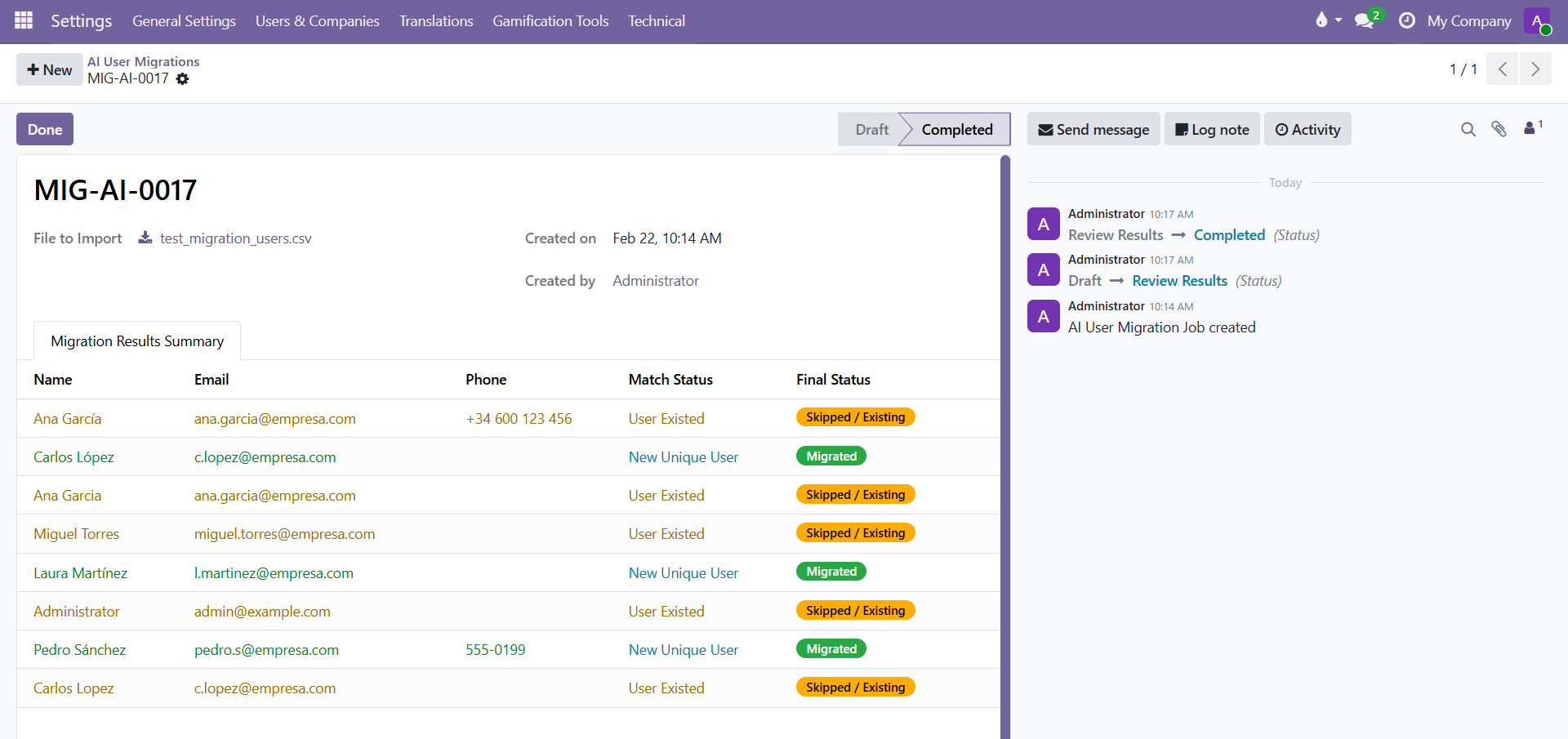
5. Success & Deduplication

Review the AI-structured data. The wizard highlights duplicates and lets you skip or update conflicts. Clean database, happy life.

Success Summary

🎁 Bonus Included: AI Duplicate Cleaner Tool

Every purchase includes our powerful AI Duplicate Cleanup Tool free of charge. Scan your existing res.users table and let Gemini AI find hidden duplicates.